We are part of —
Ground penetrating radar and GPR software training
From field acquisition to completed results
Ground penetrating radar and GPR software training
Learn a workflow you can use in your own work. We combine GPR operation with survey planning, data-quality assessment and interpretation. The programme is matched to the equipment, software and task: utility locating, 3D mapping, concrete scanning or infrastructure investigation.
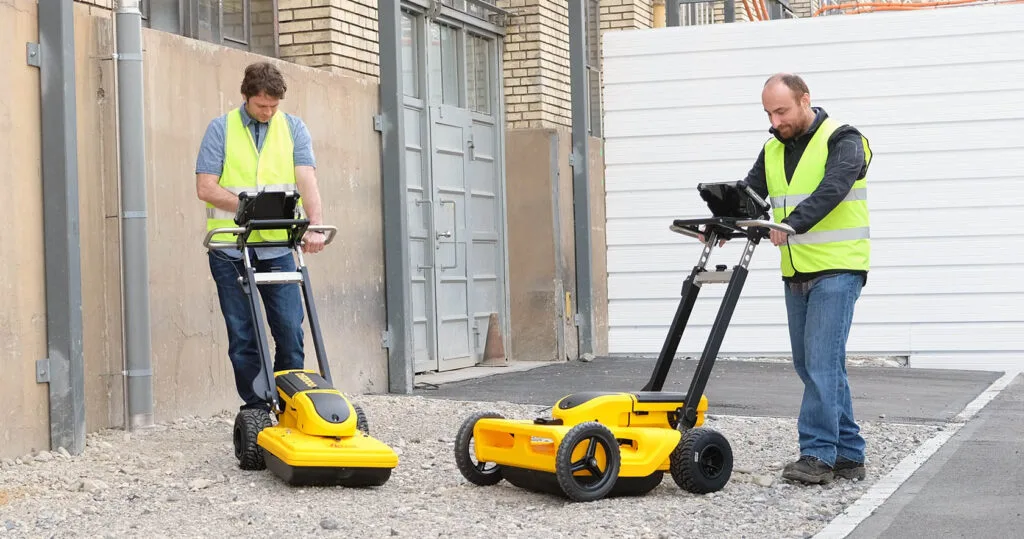
Beyond the controls: understanding data and survey decisions
A useful radargram starts before the first survey pass. Together, we define the investigation objective, choose how profiles will be acquired and check whether the collected data can answer the client's question. We then move on to processing, marking interpreted targets and preparing clear documentation.
You can start with the basics or focus on a particular problem: unclear reflections, combining passes, georeferencing or processing a 3D grid. Exercises are agreed before training, taking account of the available licences and software versions.
Who the training is for
- People starting with GPR and teams introducing a new system.
- Companies locating buried utilities and preparing records for design and excavation work.
- Specialists investigating concrete, pavements, bridge structures and tunnels.
- Operators and analysts who want a consistent workflow from field acquisition to interpretation and export.
Build a programme around your tasks
Not every project needs every module. We select modules for the objective, participants' experience and equipment configuration.
GPR BASIC - sound foundations and independent surveying
For people starting with GPR or looking to organise their existing practice.
- How GPR works, reflections and hyperbolas, and the relationship between frequency, resolution and penetration.
- Equipment preparation, encoder checks, parameter selection and correct profile acquisition.
- Reading a radargram, basic quality assessment and marking observed anomalies.
- Saving a project, recording survey conditions and preparing basic documentation.
GPR ADVANCED - analysis, mapping and data processing
For operators and analysts developing multichannel surveys, interpretation or processing in their own software environment.
- Designing 3D grids and multichannel passes, checking coverage and combining data.
- Georeferencing, positioning integration and coordinate consistency checks.
- Filter selection, velocity analysis and migration using the functions available in the software.
- Time slices, depth slices, spatial interpretation and preparation of CAD/GIS results.
The GPR method and survey design
We turn the technical question into a survey plan. We discuss what reflections can reveal and which conclusions cannot be justified by a radargram alone.
Prepare a survey plan and a list of observations to verify in the field.
- How material properties and site conditions affect data clarity.
- Selecting the antenna, profile direction and sampling density for the targets sought.
- Site reconnaissance, existing documentation and quality-control criteria.
2D acquisition and interpretation on site
We practise acquiring profiles correctly and recognising when settings should be changed or measurements repeated. Individual passes are compared with cross-check profiles.
Record profiles with survey conditions and identify locations needing further investigation.
- Checking the encoder, time window and recording settings.
- Hyperbolas, layer reflections, interference and marking anomalies.
- Estimating depth with the assumed propagation velocity taken into account.
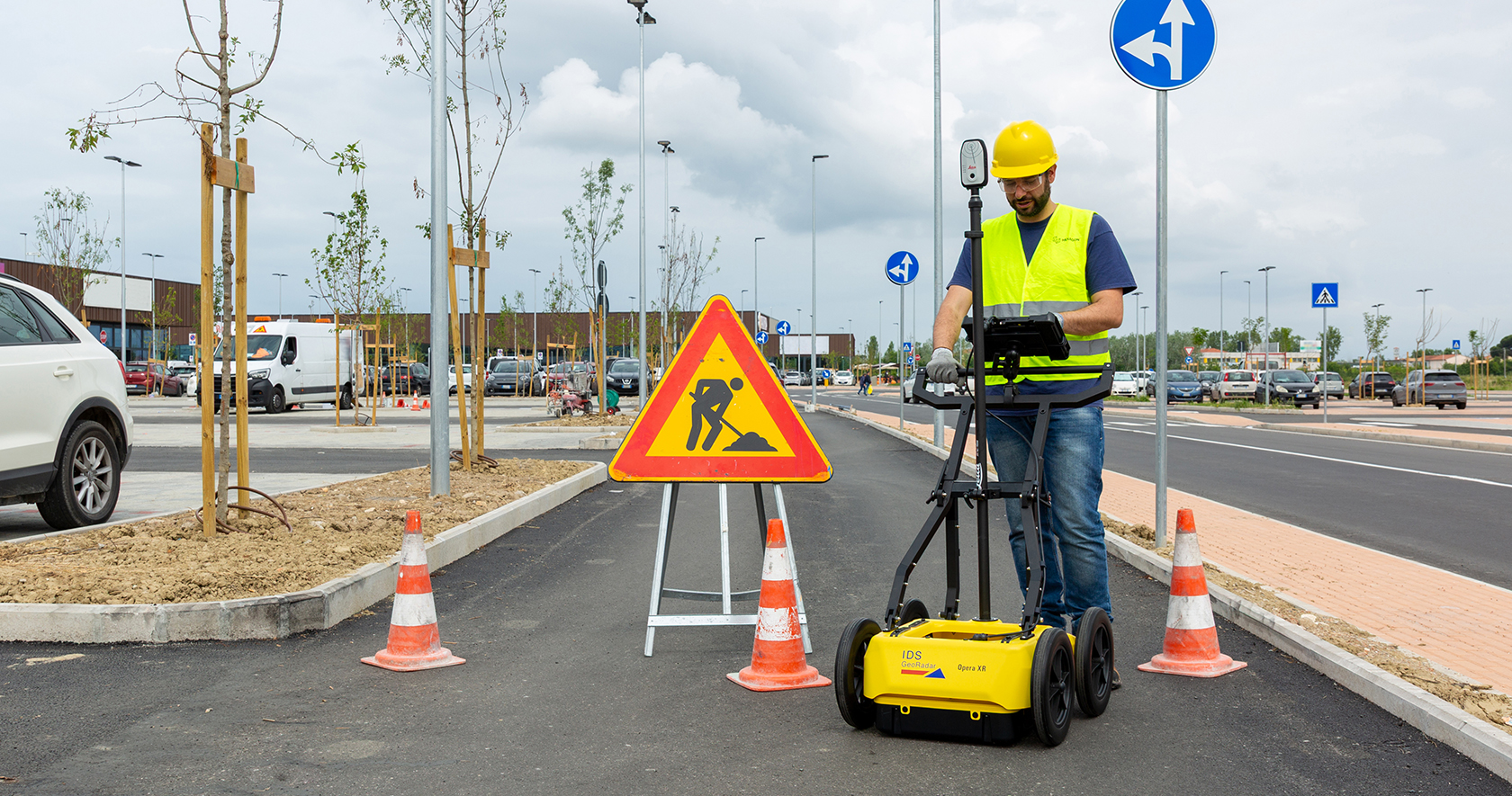
Survey grids, multichannel systems and 3D mapping
We show how the arrangement of survey passes affects later spatial analysis. We work on project consistency from recording survey swaths to reviewing anomalies in several views.
Prepare a project for 3D interpretation with the selected parameters documented.
- Grid design, pass directions, coverage and channel orientation.
- Combining profiles or swaths and checking for gaps in the dataset.
- Time slices, depth slices and correlation with radargrams.

GNSS positioning and georeferencing
We link radar data with position information where the agreed configuration supports it. We also discuss working in a local coordinate system when GNSS reception is difficult or unavailable.
Check georeferencing against reference points and features within the project.
- Coordinate system, position quality and offset between the positioning antenna and GPR.
- Checking the link between a survey pass, coordinates and the map background.
- Verifying project consistency before transferring data to CAD/GIS.
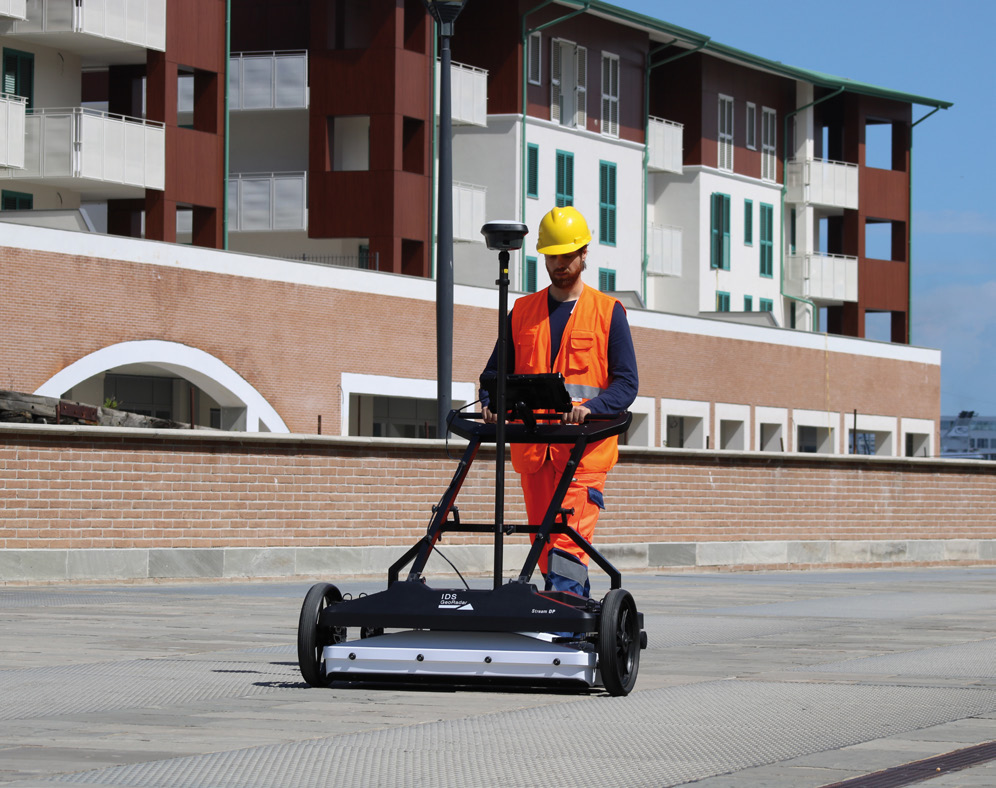
Concrete scanning and documenting targets
Exercises cover scan planning on structural elements and assessing reflections that may represent reinforcement, services or other inhomogeneities. We teach comparison of observations from several directions.
Process a sample scan without treating an absence of reflections as a guarantee of safe drilling.
- Line surveys and grids, and the importance of antenna orientation.
- Marking interpreted elements and relating scans to structural drawings.
- Clear documentation of the survey area with uncertainties and limitations identified.
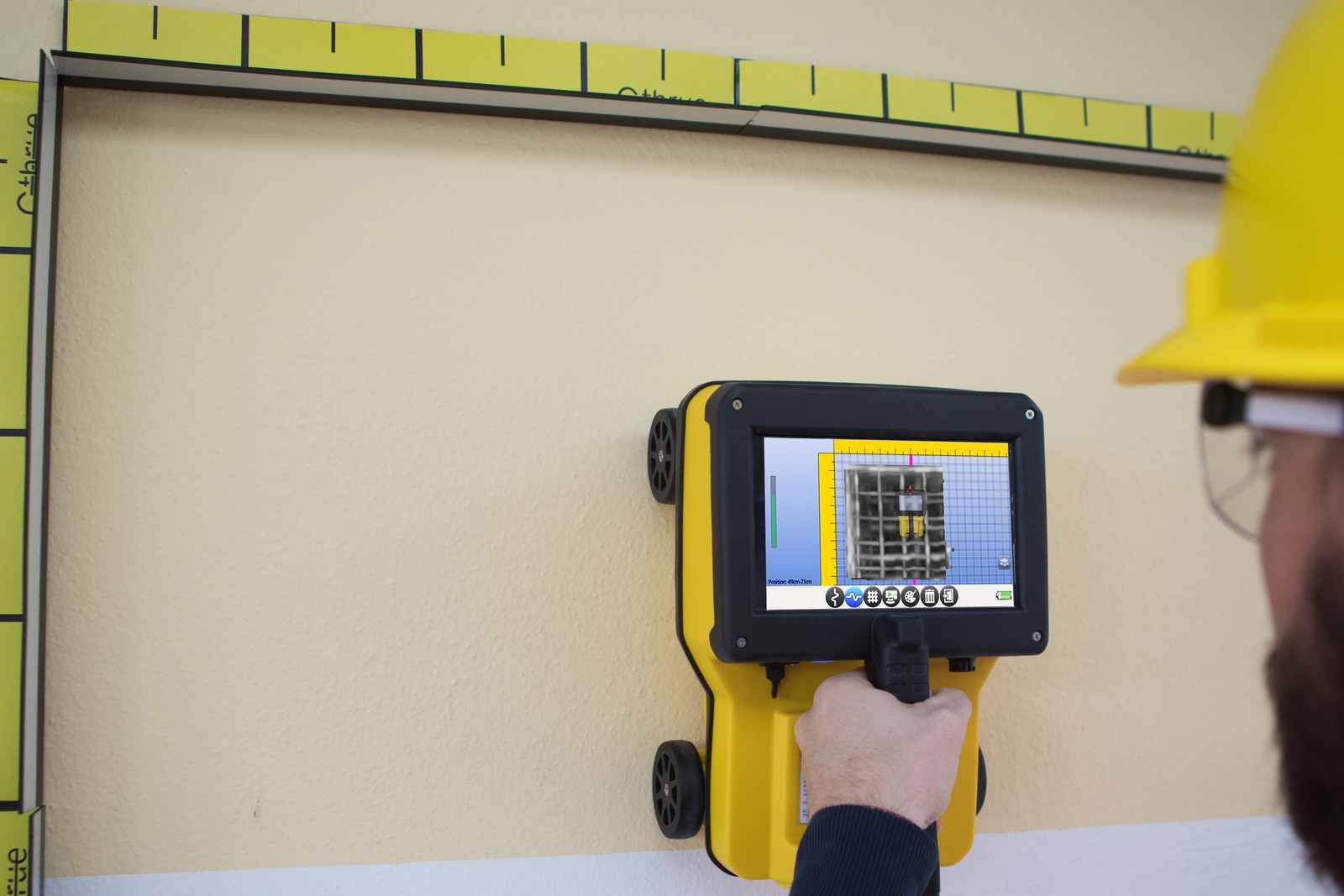
Pavements, bridges and tunnels
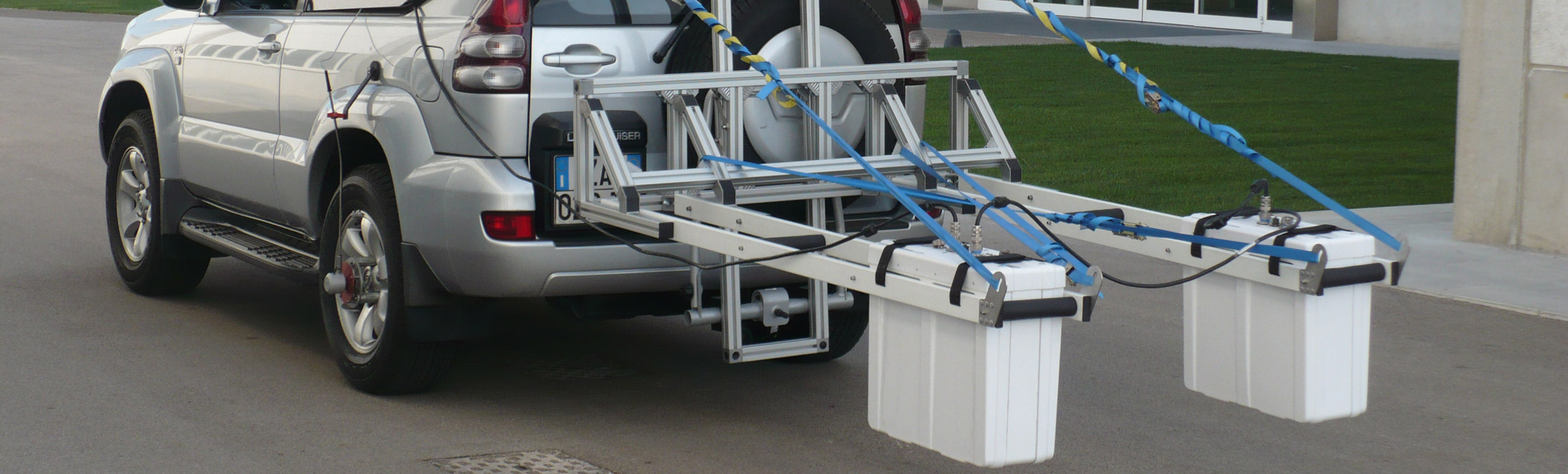
This specialist module covers organising infrastructure surveys and interpreting data appropriate to the particular antenna and platform. Scope is agreed separately for roads, bridge decks and tunnel linings.
Prepare a section or summary of observations that clearly distinguishes measurement from interpretation.
- Designing survey passes, checking distance measurement and documenting acquisition.
- Following layer boundaries and interpreting anomalies in relation to the structure.
- Calibrating estimated layer thickness against reference data where available.
Processing and interpretation checks
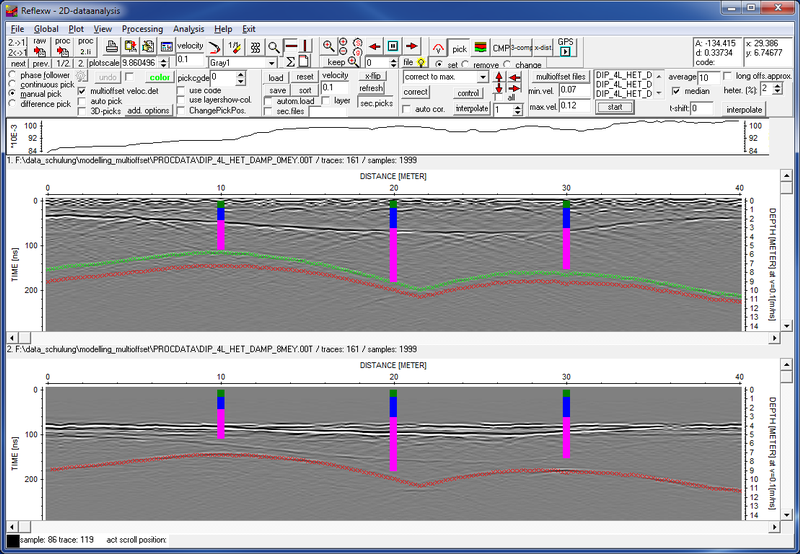
We compare input data with the result of each successive operation. A filter is selected for a signal problem rather than for image appearance alone. We check whether processing removes relevant information.
Record a justified processing sequence that can be reproduced on subsequent datasets.
- Time-zero correction, gain, background removal and filtering in the available modules.
- Velocity selection, migration and assessing how parameters affect the result.
- Correlating profiles, slices and interpreted targets, and checking automated suggestions.
Results, export and documentation for the client
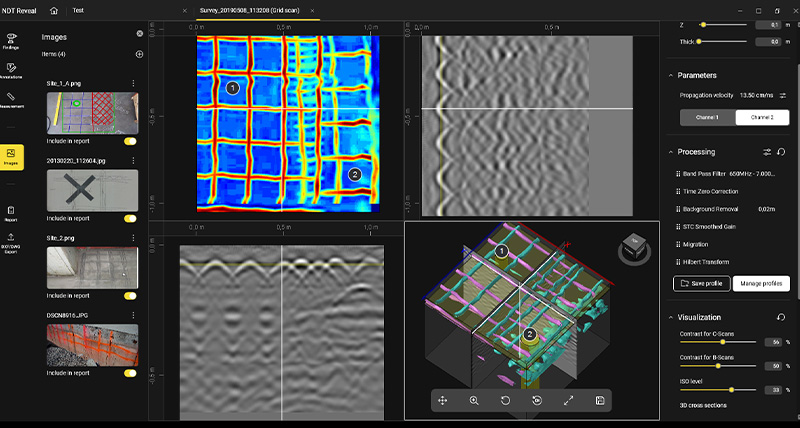
We organise the project so that the recipient understands the survey scope, annotations and limits of interpretation. Output formats are selected for the intended use and the software's capabilities.
Prepare a sample deliverable package explaining what was measured and how the data were interpreted.
- Interpretation layers, naming, metadata and keeping source data separate from processed results.
- Exports supported by the agreed software version, including CAD/GIS where available.
- Documenting the method, parameters, survey area and uncertainties.
Training with a specific GPR system
The programme can be based on the system you use. Before agreeing the training, we confirm the model, antenna configuration, controller and software environment. The equipment list describes potential subject coverage, not availability of every model at every session.
Utility locating and mapping
Profile planning, recognising reflections, documenting anomalies and extending surveys to mapping where the configuration supports it.
| Equipment / software | Training focus | Shop |
|---|---|---|
| Leica DS2000 | Profile planning, recognising reflections, documenting anomalies and extending surveys to mapping where the configuration supports it. | Scope to be agreed |
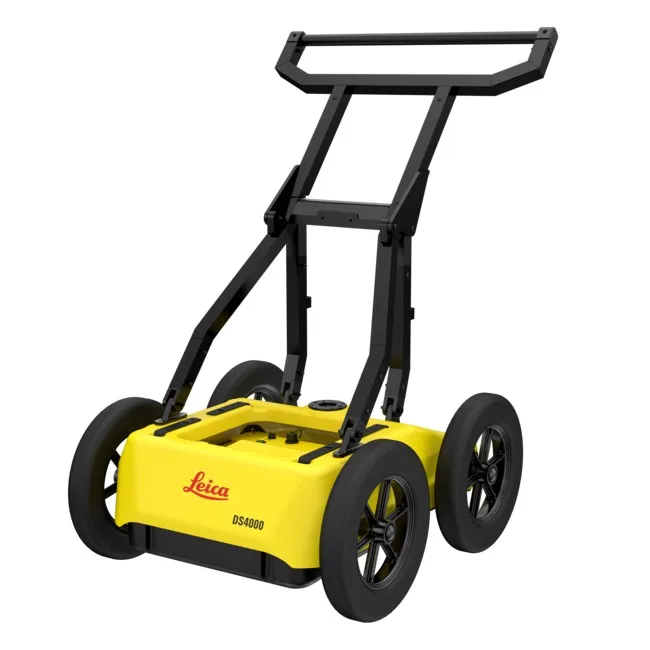
| Leica DS4000 | Profile planning, recognising reflections, documenting anomalies and extending surveys to mapping where the configuration supports it. | View in the shop |
| Leica DSX | Profile planning, recognising reflections, documenting anomalies and extending surveys to mapping where the configuration supports it. | Scope to be agreed |
| IDS GeoRadar Opera Duo | Profile planning, recognising reflections, documenting anomalies and extending surveys to mapping where the configuration supports it. | Scope to be agreed |
| IDS GeoRadar Opera XR | Profile planning, recognising reflections, documenting anomalies and extending surveys to mapping where the configuration supports it. | View in the shop |
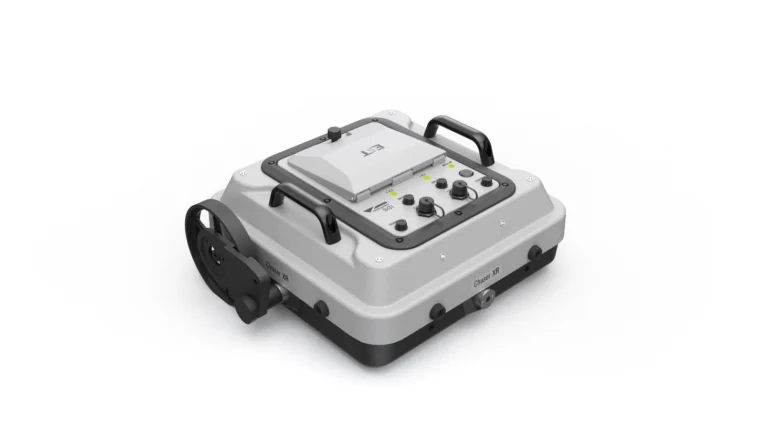
| IDS GeoRadar Chaser XR | Profile planning, recognising reflections, documenting anomalies and extending surveys to mapping where the configuration supports it. | View in the shop |
Multichannel 3D projects
Organising survey swaths, positioning, coverage checks and preparing large datasets for spatial analysis.
| Equipment / software | Training focus | Shop |
|---|---|---|
| IDS GeoRadar Stream C | Organising survey swaths, positioning, coverage checks and preparing large datasets for spatial analysis. | Scope to be agreed |
| IDS GeoRadar Stream DP | Organising survey swaths, positioning, coverage checks and preparing large datasets for spatial analysis. | View in the shop |
| IDS GeoRadar Stream UP | Organising survey swaths, positioning, coverage checks and preparing large datasets for spatial analysis. | View in the shop |
| IDS GeoRadar Stream X | Organising survey swaths, positioning, coverage checks and preparing large datasets for spatial analysis. | View in the shop |
Concrete investigation
Surveys on structural elements, scan correlation and documentation of interpreted targets.
| Equipment / software | Training focus | Shop |
|---|---|---|
| IDS GeoRadar C-thrue | Surveys on structural elements, scan correlation and documentation of interpreted targets. | View in the shop |
Road and airfield pavements
Organising profiling, analysing layer boundaries and comparing interpretations with reference data.
| Equipment / software | Training focus | Shop |
|---|---|---|
| IDS GeoRadar RIS Hi-Pave | Organising profiling, analysing layer boundaries and comparing interpretations with reference data. | Scope to be agreed |
Bridges and tunnels
Preparing acquisition and processing appropriate to the structure and survey platform.
| Equipment / software | Training focus | Shop |
|---|---|---|
| IDS GeoRadar RIS Hi-BrigHT | Preparing acquisition and processing appropriate to the structure and survey platform. | Scope to be agreed |
| IDS GeoRadar Stream T | Preparing acquisition and processing appropriate to the structure and survey platform. | View in the shop |
Software training in the environment you use
Scope is based on the software name, version, active modules and a sample dataset. Not every function is available under every licence, and not every data format can be transferred between applications.
| Equipment / software | Training focus | Shop |
|---|---|---|
| uNext | Survey organisation and utility mapping with supported Opera Duo and Leica DS2000 configurations. Exercises can cover working with a map background, positioning and exporting interpreted targets. Tomographic processing and advanced functions depend, among other things, on the Basic or Advanced edition and software version. | Scope to be agreed |
| uMap | Field-project preparation, acquisition and survey-progress checks on compatible systems. Interface operation is combined with assessing coverage, data quality and position quality. Positioning methods and available survey modes are matched to the equipment and installed version. | Scope to be agreed |
| GRED HD | Reviewing radargrams, choosing processing steps and marking interpreted targets. Appropriate modules can extend the workflow to tomography, 3D views or layer analysis. GRED HD is a family of solutions with differing capabilities. We do not assume that every Basic licence includes 3D functions and specialist tools. | Scope to be agreed |
| IQMaps | Managing GPR datasets, correlating 2D and 3D views, and systematically picking and reviewing targets. We work towards a clear transition from acquisition to spatial interpretation. Import, processing and export exercises use data and functions supported by the available licence and version. | View in the shop |
| ReflexW | Data import, profile processing, velocity analysis and interpretation in the agreed modules. We compare operation parameters and their effects on the radargram rather than applying one sequence to every dataset. 2D and 3D capabilities and input formats are confirmed for the specific ReflexW version and active modules. | View in the shop |
| AiMaps | Within the agreed IQMaps environment, we discuss preparing data for cloud processing and assessing the resulting utility suggestions. Automated results are checked against radar data and project context. An appropriate service, licence and compatible system are required. The manufacturer currently lists AiMaps 3.0 support for Stream DP and Stream UP; other versions require separate compatibility confirmation. | View in the shop |
| NDT Reveal | Processing C-thrue and C-thrue XS data, relating results to structural documentation and preparing views and reports. CAD-based work can be included within the available functions. Scope is agreed for the NDT Reveal version, licence and available CAD environment. | View in the shop |
| Radar Studio | Working with data from a compatible US Radar environment: review and processing, annotations, slices and visualisation preparation. Position integration and export are practised where the configuration supports them. Radar Studio is a processing solution for US Radar data. Support for other manufacturers' data is not assumed without checking the specific format. | View in the shop |
Practical applications
Utilities before design or excavation
From site reconnaissance and check profiles to a map of interpreted routes. We practise combining GPR observations with records and information from other methods, distinguishing a detected anomaly from a confirmed utility.
A concrete scan before planned intervention
Grid planning, correlating reflections from different directions and documenting interpreted elements. We discuss communicating investigation limitations to the person planning drilling or cutting.
A large-area 3D subsurface map
Organising multichannel passes, checking coverage and linking data with position. The exercise aims to produce a coherent project for reviewing targets in profiles and spatial slices.
Pavement layers or structural elements
Choosing a profiling approach for a road, bridge structure or tunnel. We compare observed boundaries and anomalies with construction information and reference data where available.
Programme and arrangements agreed individually
- Equipment model and antenna or scanner configuration.
- Software name and version, and available modules.
- An example task or problem you want to practise.
- Experience level and number of participants.
- Preferred location, date and training language for discussion.
Before preparing a proposal, we ask about team experience, the GPR model, software and type of work. Scope, date, location, duration and delivery arrangements are agreed together. The training language is confirmed separately: selecting a website language does not automatically mean training is available in that language.
Data-based interpretation with clearly stated limitations
- GPR records the electromagnetic response of the ground or material, not a ready-made inventory of every object. Clarity and penetration depend on material conditions, the antenna, target geometry and acquisition method, among other factors. Depth requires an assumed or estimated propagation velocity. An absence of clear reflections does not confirm an absence of utilities, and automated suggestions do not replace operator judgement. These limitations are addressed in exercises and deliverable documentation.
Training questions
Do I need GPR experience to attend training?
You do not need to start at an advanced level. GPR BASIC covers equipment preparation, acquisition and the fundamentals of interpretation. If you already have experience, GPR ADVANCED can focus on a specific problem, multichannel system or software.
Can training use our equipment and our own data?
We can plan this after checking the configuration and a sample dataset. Before agreeing the programme, we confirm the software version, licence, file format and feasibility of the selected exercises. Equipment availability for training is agreed separately.
Does training include 3D mapping and export to CAD or GIS?
These topics can be included if the equipment, acquisition method and active software modules support them. We also agree the coordinate system and expected deliverable format. We do not promise identical export capabilities across all applications.
How long is training, where does it take place and in which language?
Duration, location, date, delivery arrangements and language are confirmed individually after agreeing the scope and participant numbers. The multilingual website describes the offer but does not confirm that sessions are delivered in every website language.
Choose equipment and software for your workflow
Tell us the equipment, software and training objective. We can then agree which acquisition and processing skills are most useful for your team to practise.